

iolo System Mechanic Product Profile
Windows PC cleanup and optimization tools for maintenance, startup, and performance workflows
Primary product sources are listed below; the editorial review record is being refreshed.
Affiliate disclosure: Some links may earn a commission on qualifying purchases. Product profiles distinguish provider information from independent editorial reviews; we do not publish a rating or ranking without supporting evidence. Paid content is labelled and cannot buy a score, ranking, or favorable conclusion.
Product resource
iolo System Mechanic
Custom pricing· Free tier available
The Bottom Line
iolo System Mechanic is Windows PC cleanup and optimization tools for maintenance, startup, and performance workflows. This profile summarizes the product's current positioning, available features, pricing notes, and primary sources while the independent editorial review record is being refreshed.
What is iolo System Mechanic?
iolo Technologies has been making PC optimization software since 1998, headquartered in Los Angeles, CA. System Mechanic is their flagship product — a Windows-only suite that combines over 50 tools to fix performance bottlenecks, remove junk files, repair registry errors, manage startup programs, and reclaim lost RAM. It targets everyday Windows users who don't want to manually dig through system settings.
What does iolo System Mechanic offer?
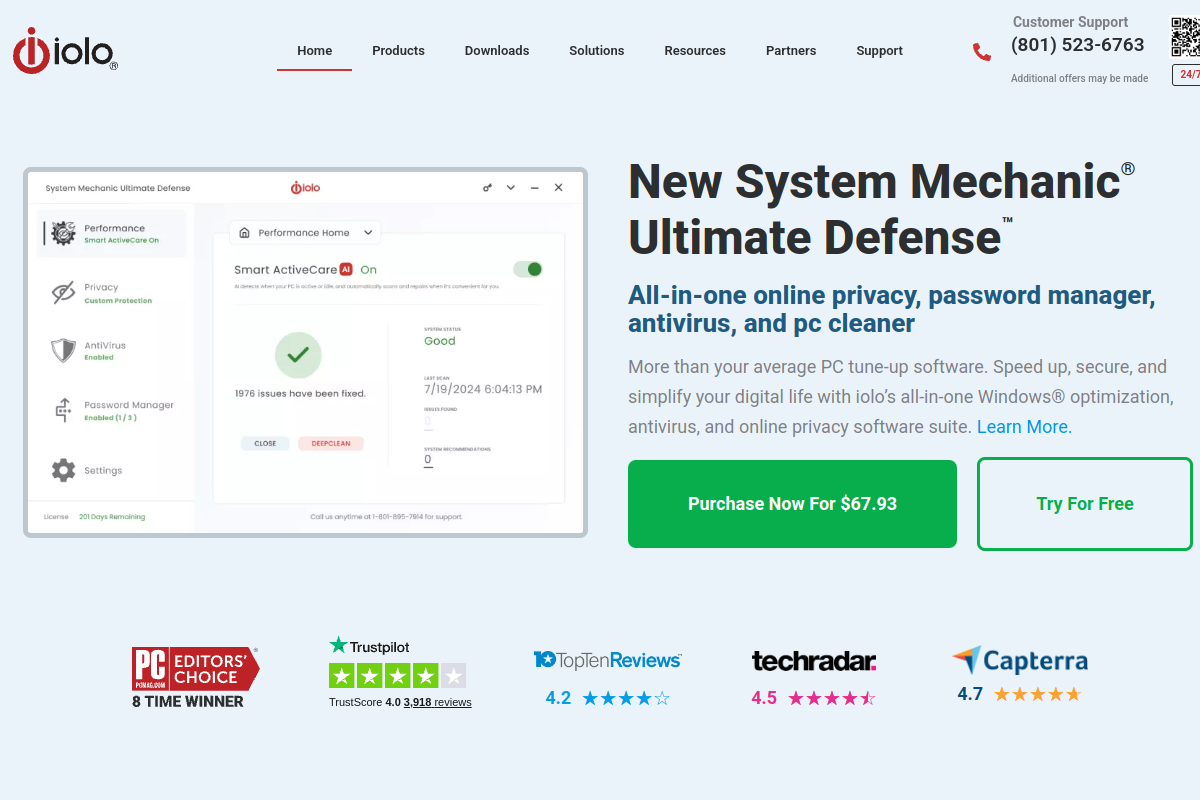
System Mechanic bundles cleanup, startup, performance, and maintenance tools; higher bundles add explicitly listed security, privacy, password-manager, or VPN features. iolo's current product page shows plan-specific feature differences and an annual price around $49.95 for the base product, with promotional pricing and renewal terms subject to change. Confirm the exact bundle, device count, included updates, and renewal before purchase.
Editorial assessment refresh
We are re-sourcing our prior score and tier before publishing a numerical rating or testing claim for this product. The product details, pricing notes, and linked sources remain available while that work is completed.
How We Assess Antivirus & Security Software
We distinguish independent lab results, vendor documentation, and editorial analysis. This site does not claim standardized hardware tests, false-positive test suites, phishing-URL runs, or checkout verification unless a dated evidence record is attached to the profile. Check the linked lab or vendor source for the test scope, date, and limitations.
No dated evidence record is attached to this profile yet; testing claims are not being made.
Ready to try iolo System Mechanic? Free plan available — no credit card required.
Get iolo System Mechanic →Frequently Asked Questions
Is iolo System Mechanic worth it in 2026?
iolo System Mechanic has a current product profile, but we are not publishing an independent value verdict until its editorial review record is sourced. Confirm current pricing, limits, and fit with the provider.
What is iolo System Mechanic best for?
iolo System Mechanic is best for: Windows users experiencing noticeable slowdowns on older hardware, Non-technical users who want a one-click fix without manual tweaking, Households with multiple Windows PCs (covers up to 5).
Does iolo System Mechanic have a free plan?
Yes — iolo System Mechanic offers a free tier. Check the provider's site for current limits.
Sources checked
Review the current product details and sources above, then confirm plan limits and pricing directly with the provider before choosing a plan.
Get iolo System Mechanic →Free tier available — no credit card required