

RoboForm Product Profile
The original password manager — now a solid, affordable option with strong form-filling for $1.99/mo
Editorial review record is being refreshed.
Affiliate disclosure: Some links may earn a commission on qualifying purchases. Product profiles distinguish provider information from independent editorial reviews; we do not publish a rating or ranking without supporting evidence. Paid content is labelled and cannot buy a score, ranking, or favorable conclusion.
Product resource
RoboForm
From $1.99/mo· Free tier available
The Bottom Line
RoboForm is The original password manager — now a solid, affordable option with strong form-filling for $1.99/mo. This profile summarizes the product's current positioning, available features, pricing notes, and primary sources while the independent editorial review record is being refreshed.
What is RoboForm?
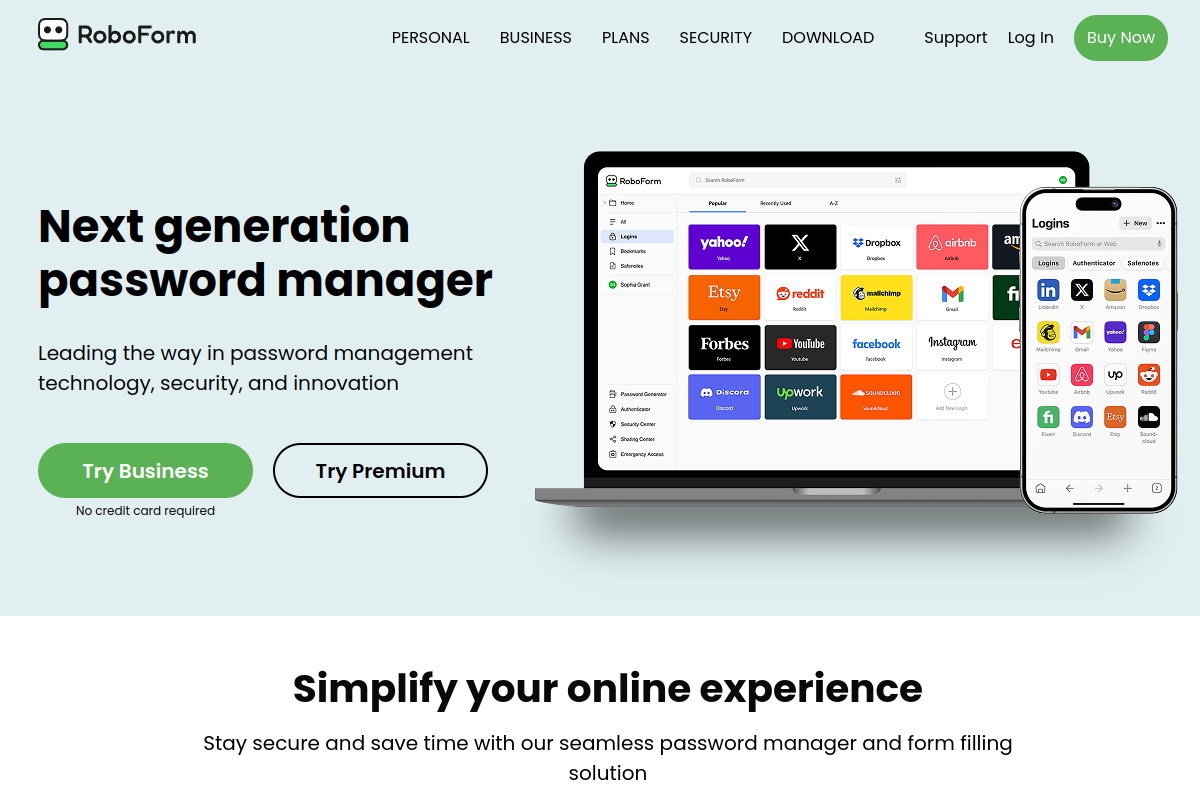
RoboForm was launched by Siber Systems in 1999 — making it older than most of its competitors by a decade. Headquartered in Fairfax, Virginia, Siber Systems built RoboForm specifically around form-filling automation, and that heritage shows. While it has evolved into a full password manager, its form-fill engine remains unmatched for users who deal with long web forms regularly.
What does RoboForm offer?
Free tier covers unlimited passwords on a single device with local storage — no sync. Premium ($1.99/mo billed annually) unlocks unlimited device sync, cloud backup, secure sharing, emergency access, and priority support. Family plan ($3.98/mo) covers 5 users. Business plans start at $3.35/user/mo with admin console and advanced reporting. All paid plans include a 30-day money-back guarantee.
Free (1 device)
$0
/month
Premium
$1.99
/month
Family (5 users)
$3.98
/month
Business (per user)
$3.35
/month
Editorial assessment refresh
We are re-sourcing our prior score and tier before publishing a numerical rating or testing claim for this product. The product details, pricing notes, and linked sources remain available while that work is completed.
How We Assess Password Managers
We distinguish provider documentation, independent audits, and editorial analysis. We do not claim multi-device usage periods, form-fill samples, migration trials, sync-latency measurements, browser-extension testing, or checkout verification unless a dated evidence record is attached to the profile.
No dated evidence record is attached to this profile yet; testing claims are not being made.
Ready to try RoboForm? Free plan available — no credit card required.
Get RoboForm — from $1.99/mo →Frequently Asked Questions
Is RoboForm worth it in 2026?
RoboForm has a current product profile, but we are not publishing an independent value verdict until its editorial review record is sourced. Confirm current pricing, limits, and fit with the provider.
What is RoboForm best for?
RoboForm is best for: Budget-conscious users who need cross-device sync for under $2/mo, Power users who fill out complex web forms regularly, Small businesses wanting affordable team password management.
Does RoboForm have a free plan?
Yes — RoboForm offers a free tier. Check the provider's site for current limits.
Review the current product details and sources above, then confirm plan limits and pricing directly with the provider before choosing a plan.
Get RoboForm →Free tier available — no credit card required