
UPDF Product Profile
The AI-powered PDF editor that does everything Acrobat does at a fraction of the price
Editorial review record is being refreshed.
Affiliate disclosure: Some links may earn a commission on qualifying purchases. Product profiles distinguish provider information from independent editorial reviews; we do not publish a rating or ranking without supporting evidence. Paid content is labelled and cannot buy a score, ranking, or favorable conclusion.
Product resource
UPDF
From $29.99/mo· Free tier available
The Bottom Line
UPDF is The AI-powered PDF editor that does everything Acrobat does at a fraction of the price. This profile summarizes the product's current positioning, available features, pricing notes, and primary sources while the independent editorial review record is being refreshed.
What is UPDF?
UPDF is a PDF editing application developed by Superace Software, released in 2021 and available on Windows, macOS, iOS, and Android. It was designed from the ground up as a modern alternative to Adobe Acrobat — with a clean interface, AI-native features, and one-time purchase pricing that eliminates the subscription trap. UPDF has grown rapidly to serve over 8 million users globally, with strong adoption among students, educators, professionals, and small business owners who need full PDF editing capabilities without Acrobat's enterprise price tag.
What does UPDF offer?
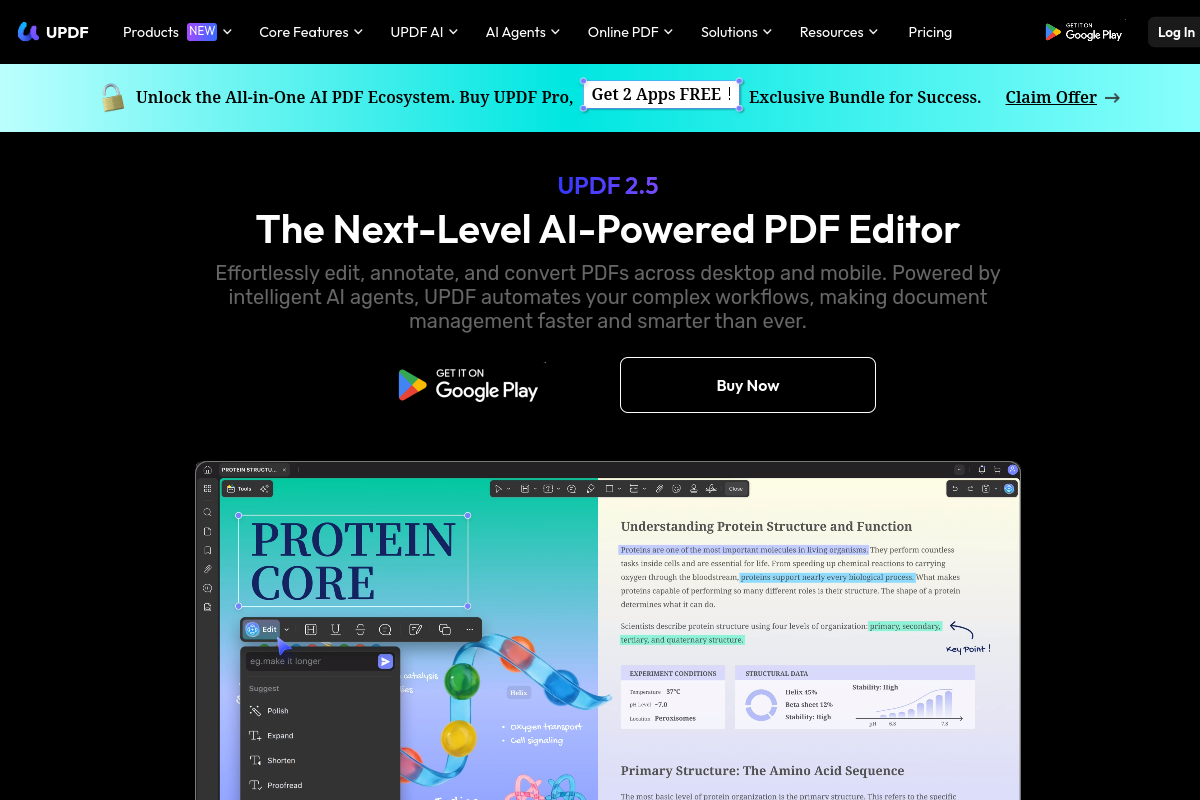
UPDF includes: full PDF text and image editing (add, delete, modify inline), AI assistant (summarize, explain, translate, rewrite), OCR text recognition for scanned documents, PDF annotation (highlight, comment, draw, stamp, sticker), PDF form creation and filling, digital signature support, PDF conversion to/from Word, Excel, PowerPoint, CSV, and HTML, PDF compression, password protection and encryption, and cloud sync across devices. Available as a $29.99/year subscription or a $99.99 perpetual license. A limited free version is available.
Free
$0
/month
Annual Plan
$29.99
/year
Perpetual License
$99.99
/one-time
Editorial assessment refresh
We are re-sourcing our prior score and tier before publishing a numerical rating or testing claim for this product. The product details, pricing notes, and linked sources remain available while that work is completed.
Ready to try UPDF? Free plan available — no credit card required.
Get UPDF — from $29.99/mo →Frequently Asked Questions
Is UPDF worth it in 2026?
UPDF has a current product profile, but we are not publishing an independent value verdict until its editorial review record is sourced. Confirm current pricing, limits, and fit with the provider.
What is UPDF best for?
UPDF is best for: Students and educators who need full PDF editing without Acrobat's subscription price, Freelancers and small business owners who fill, sign, and edit PDFs regularly, Anyone currently paying $239/year for Adobe Acrobat Standard.
Does UPDF have a free plan?
Yes — UPDF offers a free tier: Free version available with limited features — watermark on export.
What are the best UPDF alternatives?
Top alternatives to UPDF include adobe-acrobat, foxit-pdf-editor, pdf-xchange.
Review the current product details and sources above, then confirm plan limits and pricing directly with the provider before choosing a plan.
Get UPDF →Free tier available — no credit card required